


An import that leaves a trace on every record it touched
Data imported through the standard import tool is written with tracking on, so each record's chatter shows what the file changed.
Automatic History Tracking for Imports (technical name viin_base_import_tracking) is an Odoo 17.0 app for Odoo Community and Odoo Enterprise and Viindoo Cloud, built for data owner, consultant, auditor, support.
At a Glance
The facts of Automatic History Tracking for Imports, version 0.1.0, in one place. Published by Viindoo.
How It Works
Import as usual, then read the record.
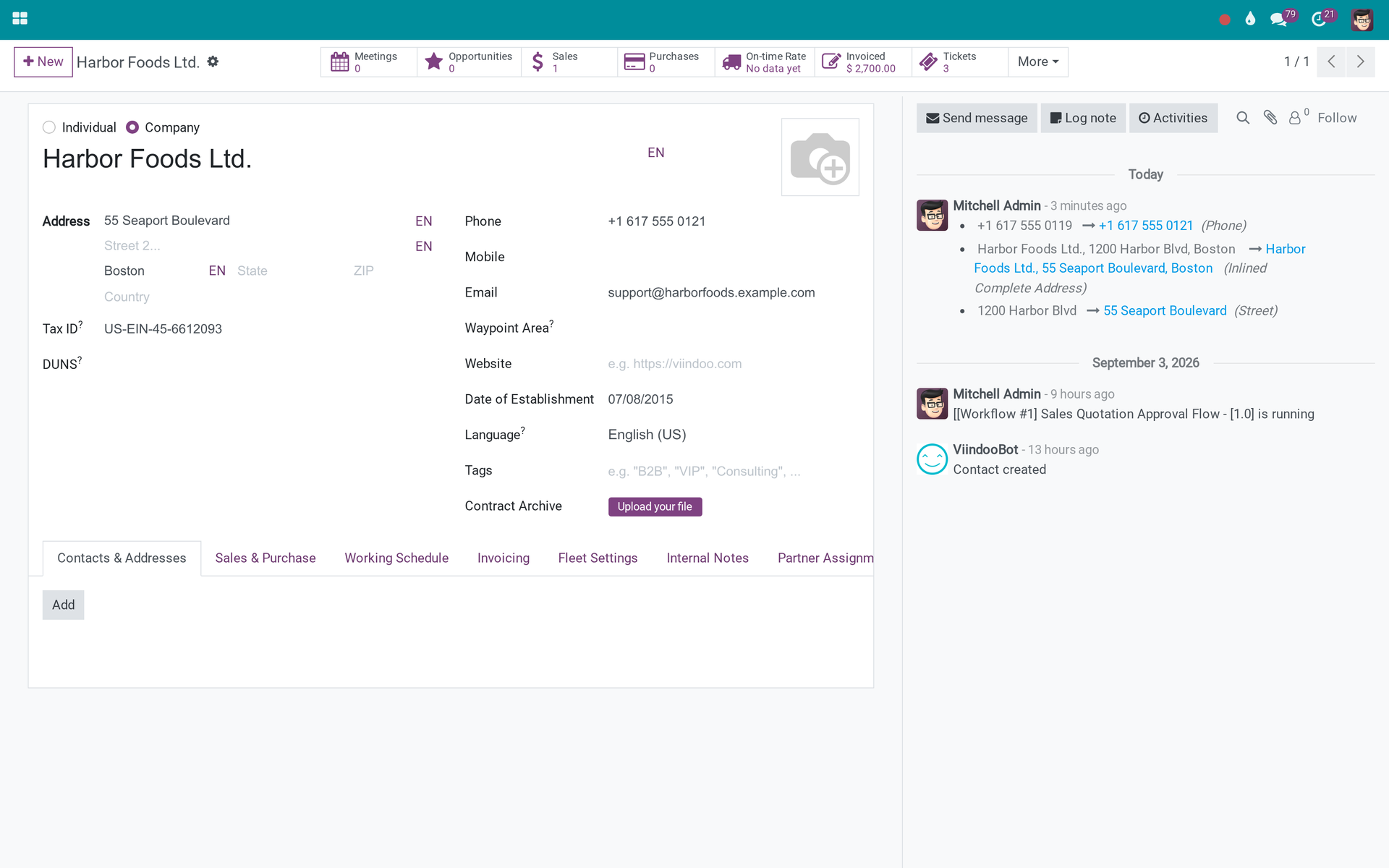
The record says what the file changed
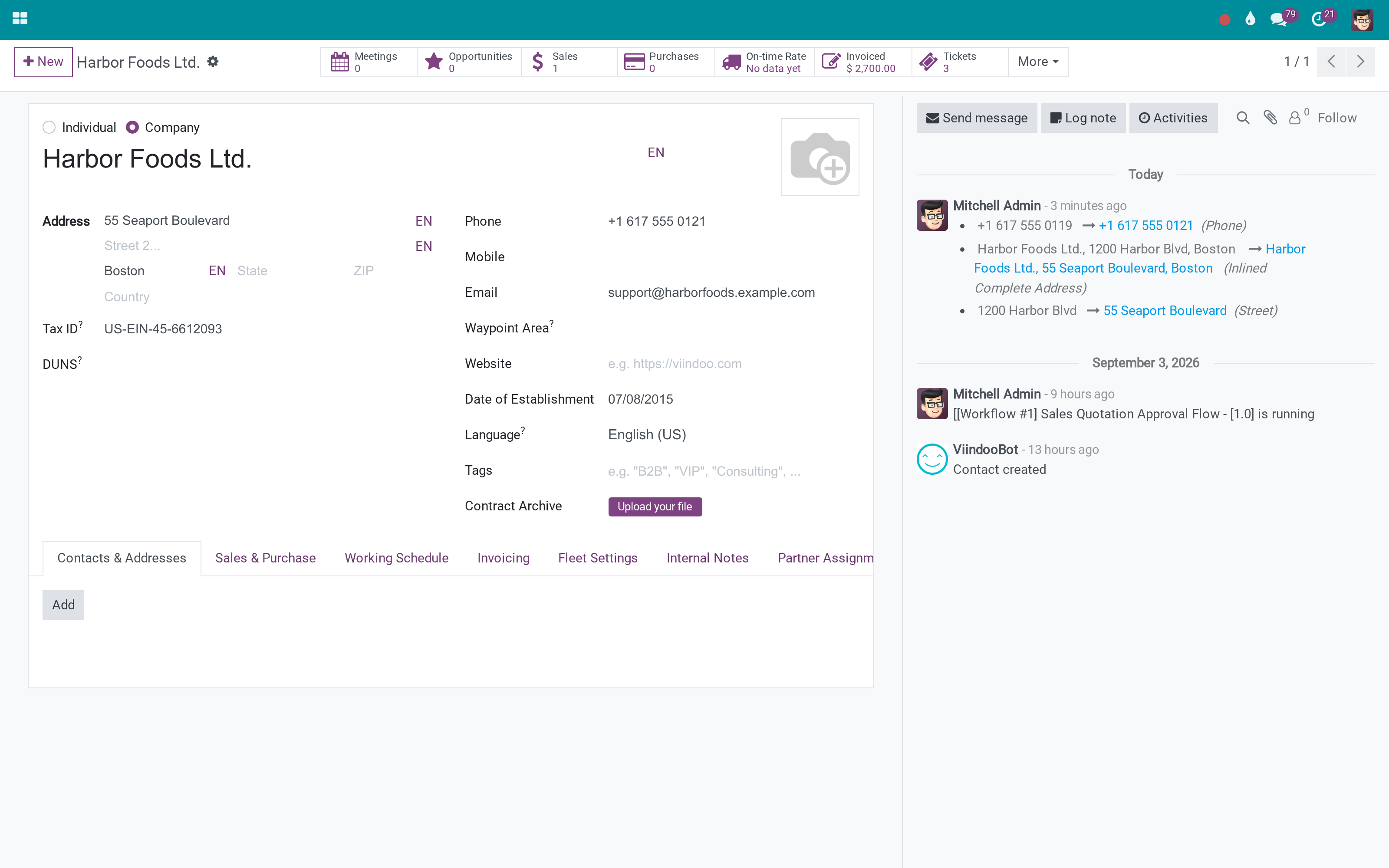
The chatter entry carries the fields the import wrote, with their previous values.
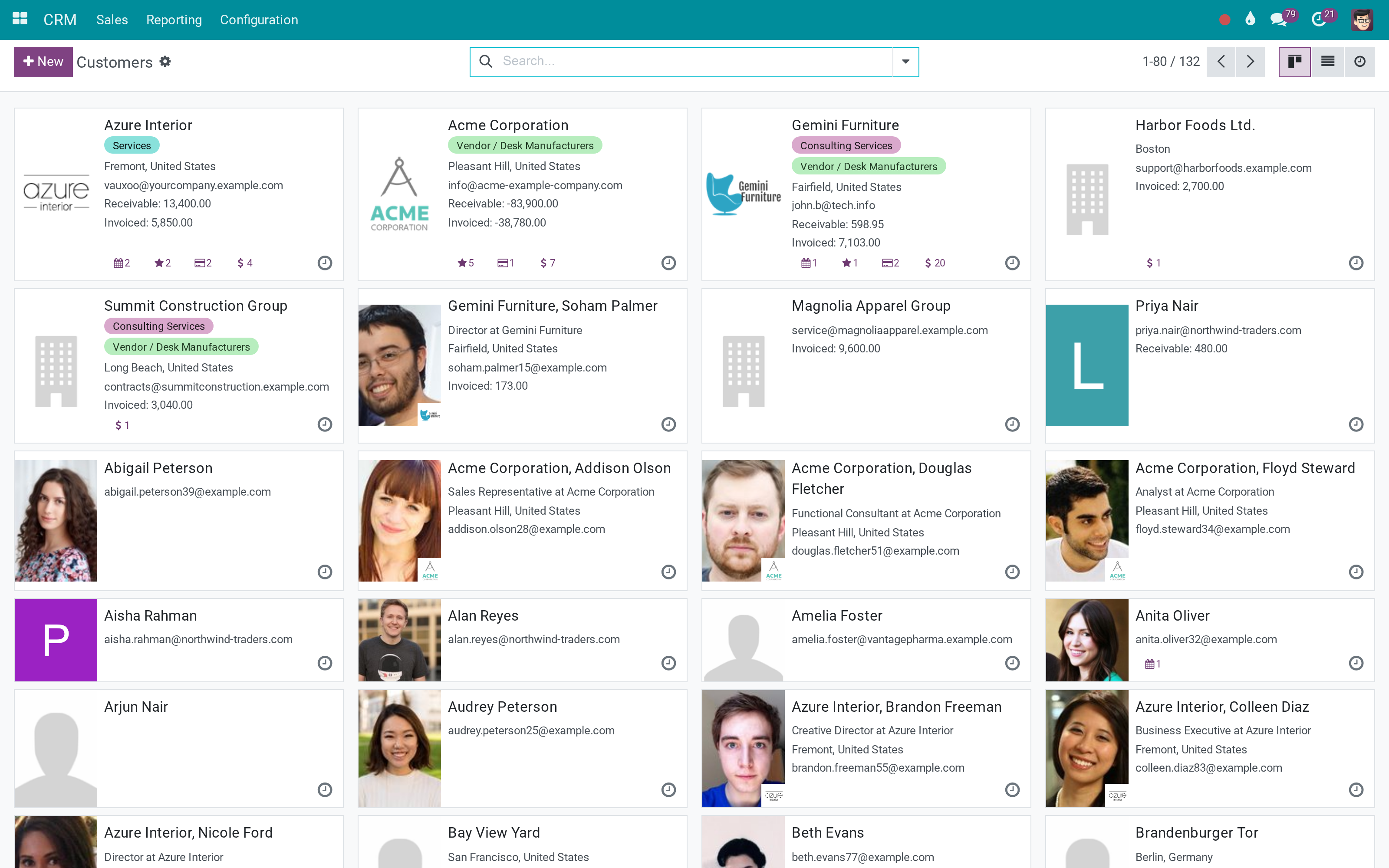
Across the data you imported
Any model with a chatter and tracked fields records its own share of the import.
What You Get
Tracking left on while the standard import tool writes
Old and new values in the record's own chatter
The user who ran the import, on every record it touched
Works for creation and for update imports
Nothing changes about how you import
No separate log to consult
More Screens
Everything below was taken on a database seeded with real business data, on this series - not a mock-up and not a screenshot from an older version.
Contacts
What This App Does Not Do
Read this before you buy. Everything below is something the app deliberately leaves to another app or to you.
A field nobody declared as tracked is still silent - which is why change-tracking apps matter.
That is the price of the trail; import in batches you would want to audit.
It tells you what happened; reversing it is still your work.
The record records its own change, not the spreadsheet.
Works Well With
Apps from the same stack, built to fit this one:
Contact Change Tracking
Tracked fields on contacts, so imports have something to record.
Partner Changes TrackingWho Should Use Automatic History Tracking for Imports?
Data owner
Can tell an import from a typo, months later.
Consultant
Proves what a migration file actually changed.
Auditor
Reads master-data history that includes bulk changes.
Support
Finds the import behind a value nobody recognises.
Frequently Asked Questions
What does Automatic History Tracking for Imports do?
Data imported through the standard import tool is written with tracking on, so each record's chatter shows what the file changed.
What does Automatic History Tracking for Imports not do?
Only tracked fields leave a trace. A field nobody declared as tracked is still silent - which is why change-tracking apps matter. Large imports produce large chatters. That is the price of the trail; import in batches you would want to audit. It does not undo an import. It tells you what happened; reversing it is still your work. It does not log the file. The record records its own change, not the spreadsheet.
Who is Automatic History Tracking for Imports for?
Data owner: Can tell an import from a typo, months later. Consultant: Proves what a migration file actually changed. Auditor: Reads master-data history that includes bulk changes. Support: Finds the import behind a value nobody recognises.
Which Odoo version and editions does it support?
Odoo 17.0 - Odoo Community, Odoo Enterprise, Viindoo Cloud. Upgrades to a newer Odoo series are a separate purchase for that series.
What does it depend on?
It installs on top of: mail, base_import. Odoo installs them with it.
How do I set it up?
Import as usual, then read the record.
What works well with it?
Contact Change Tracking (to_partner_track_change): Tracked fields on contacts, so imports have something to record. Employee Change Tracking (to_employee_changes_tracking): The same for HR data. Document Management (viin_document): Where the import file itself can be filed.
Can I try it before buying?
Yes - the Live Preview button at the top of this page opens the module's own screen on a working database.
How do I get support?
Write to apps.support@viindoo.com with your Odoo version and the technical name viin_base_import_tracking; pre-sales questions go to sales@viindoo.com.
See Automatic History Tracking for Imports in Action
An import that leaves a trace on every record it touched
Need help with Automatic History Tracking for Imports?
For questions, implementation support, or consulting services, contact Viindoo.
Pre-Sales & Partnership
sales@viindoo.comWhen contacting us, please include:
- Odoo/Viindoo version (Odoo CE / Viindoo Editions).
- Number of users and business scope.
- Other modules currently in use.
Technical Support
apps.support@viindoo.comFor faster troubleshooting, please provide:
- Order number or app reference.
- Odoo/Viindoo version & edition.
- Steps to reproduce the issue.
- Screenshots/logs if available.
Upgrades to a newer Odoo series are a separate purchase for that series.
Technical Requirement
Changes log
0.1.0 - Latest on the 17.0 line
- Tracking is enabled around the import execution itself, so both created and updated records record their changes.
Phần mềm này và các tệp liên kết ("Phần mềm") được sử dụng (chạy, tuỳ biến, chạy sau khi được tuỳ biến) chỉ khi bạn mua được giấy phép có hiệu lực từ tác giả, điển hình như qua các Ứng dụng Odoo, hoặc trong trường hợp bạn nhận được thoả thuận bằng văn bản từ tác giả của Phần mềm (chi tiết tại tệp COPYRIGHT).
Bạn có thể phát triển các phân hệ Odoo có sử dụng Phần mềm như một Thư viện (thường là phụ thuộc vào, nhập vào và sử dụng nguồn của nó) nhưng không sao chéo bất kỳ mã nguồn hay tài liệu nào thuộc Phần mềm. Bạn có thể phân phối những phân hệ này theo giấy phép mà bạn lựa chọn, miễn sao nội dung giấy phép đó tương tích với điều khoản của Giấy phép Phần mềm Độc quyền Odoo (ví dụ: LGPL, MIT hay bất kỳ loại giấy phép phần mềm độc quyền nào tương tự vậy).
Nghiêm cấm phát hành, phân phối, cấp phép lại hoặc bán bản sao của Phần mềm hoặc bản sao Phần mềm đã được sửa đổi.
Thông báo bản quyền và chấp thuận nêu trên buộc phải được bao gồm trong tất cả các bản sao hoặc các phần quan trọng của Phần mềm.
PHẦN MỀM ĐƯỢC CUNG CẤP "NGUYÊN TRẠNG", KHÔNG BẢO ĐẢM DƯỚI BẤT KỲ HÌNH THỨC NÀO, ĐƯỢC THỂ HIỆN RÕ RÀNG HOẶC NGỤ Ý, KHÔNG GIỚI HẠN ĐẢM BẢO VỀ CÁC BẢO ĐẢM NGỤ Ý VỀ KHẢ NĂNG THƯƠNG MẠI, PHÙ HỢP VỚI MỤC ĐÍCH CỤ THỂ VÀ KHÔNG VI PHẠM. TRONG MỌI TRƯỜNG HỢP SẼ KHÔNG CÓ TÁC GIẢ HOẶC CHỦ SỞ HỮU BẢN QUYỀN NÀO CHỊU TRÁCH NHIỆM VỀ BẤT KỲ KHIẾU NẠI, THIỆT HẠI HOẶC TRÁCH NHIỆM PHÁP LÝ KHÁC NÀO TRONG PHẠM VI HỢP ĐỒNG, CÁC THIỆT HẠI HOẶC CÁCH KHÁC, PHÁT SINH TỪ, NGOÀI HOẶC CÓ LIÊN KẾT VỚI PHẦN MỀM HOẶC VIỆC SỬ DỤNG HOẶC KINH DOANH KHÁC TẠI PHẦN MỀM.